Your video call background is the least important thing when it comes to home office.
If you search for advice on setting up a workspace, you are usually bombarded with tips on “performance”: how to angle your lighting, which books to display, and where to place a plant to look professional.
But let’s call that what it actually is: staging, not design.
Most home office advice focuses on impressing colleagues for the 30 minutes you are on a call.
It completely ignores the reality of the other 6 to 8 hours – the time you spend trying to think clearly, transition between deep work and meetings, and eventually switch off when family time starts.
In this Designer’s Guide To Functional Home-Office Design That Happens To Also Look Great On Video Calls, we are flipping the brief.
We’re moving past the “backdrop” mentality to focus on what actually matters: cognitive flow, acoustic privacy, and spatial boundaries.
Because a great home office shouldn’t just be a set for a camera; it should be an extension of how your mind works.
Redefining The Brief: Who Are You Designing For?
We need to talk about the disproportionate weight we place on the “video call aesthetic.”
When most people start planning their home office, they instinctively stand with their backs to a wall, holding their phone up to see what the camera sees. Is the bookshelf curated enough? Do I look professional? Is the lighting flattering?
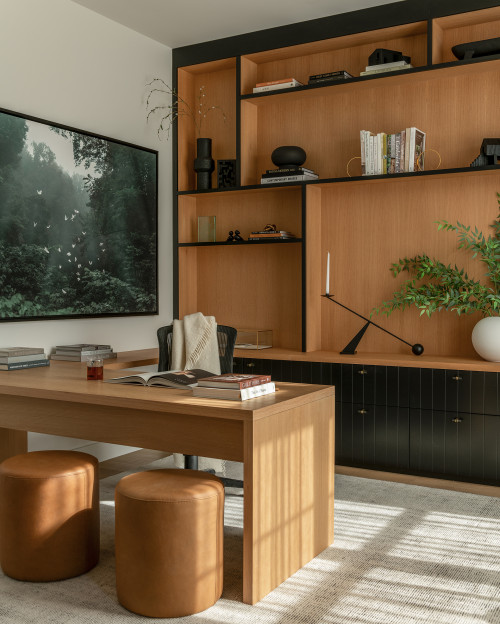
We obsess over these details, designing the entire room around the perspective of a webcam lens. But here is the reality check: for most of us, that camera is on for a fraction of the day.
Let’s acknowledge the 30-Minute Myth. You might spend thirty minutes, maybe an hour, presenting to a client or checking in with your team. But what about the rest of the day? What about the other seven hours?
The programmers, consultants, and creatives I work with aren’t trying to impress colleagues for 30 min.
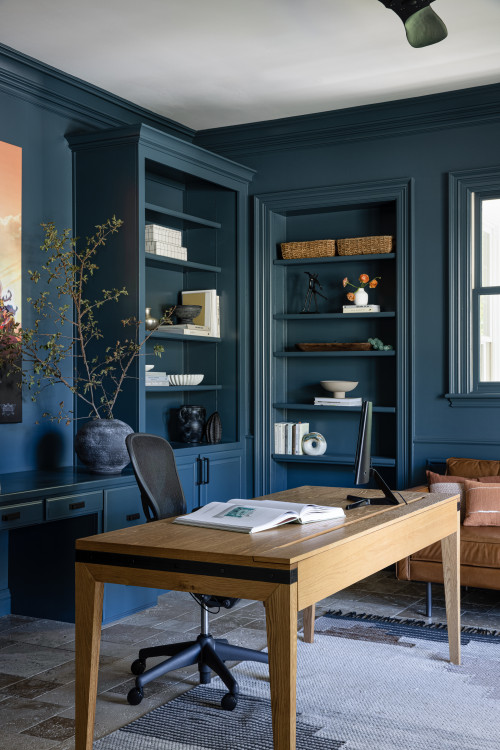
They are trying to do the hard work. They are drafting complex contracts, solving strategic problems, or entering a flow state for creative output.
If you design your office primarily as a film set, you are prioritizing the digital viewer over the actual user – you.
The real goal of a home office isn’t to look good for an audience; it’s to facilitate deep work for the occupant.
We need to shift the priority from “how does this look on a screen?” to “how does this feel to work in?” because the friction caused by a poorly designed space will hurt your career far more than a slightly imperfect background ever could.
The Functional Requirements
Once we stop designing for the audience, we can start designing for the work. The brief for a high-functioning home office is actually quite specific. It’s not about impressions; it’s about endurance, agility, and boundaries.
Here is what the space actually needs to achieve:
Think clearly for 6-8h
This is the marathon portion of your day. The lighting that looks dramatic on camera might cause eye strain after two hours of reading briefs.
The chair that looks mid-century chic might ruin your lower back by lunchtime.
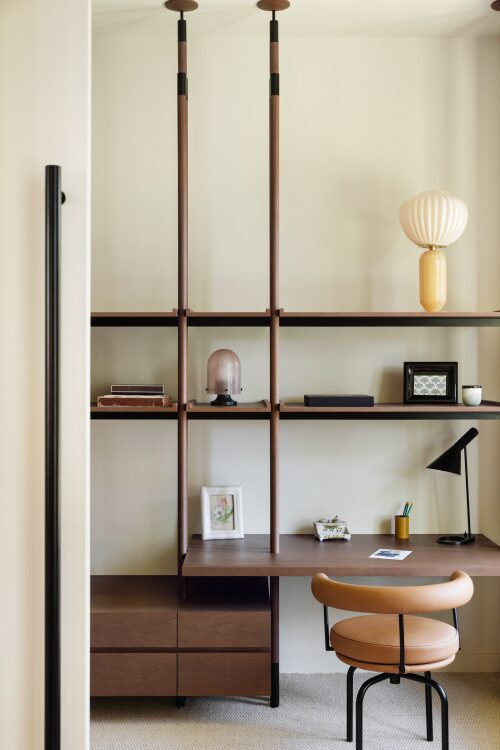
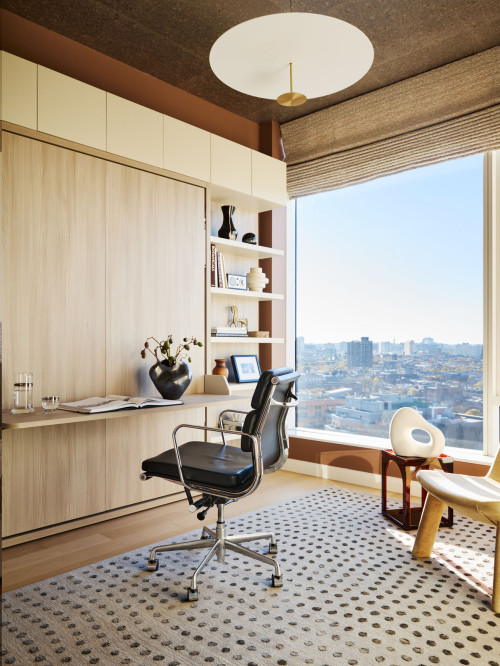
As a designer, I am guilty of it as well. Here is an example of it from one of my projects – a working corner tucked away in a space that is supposed to be a closet and a chair, which would be tolerable to sit on for around 2 hours max.
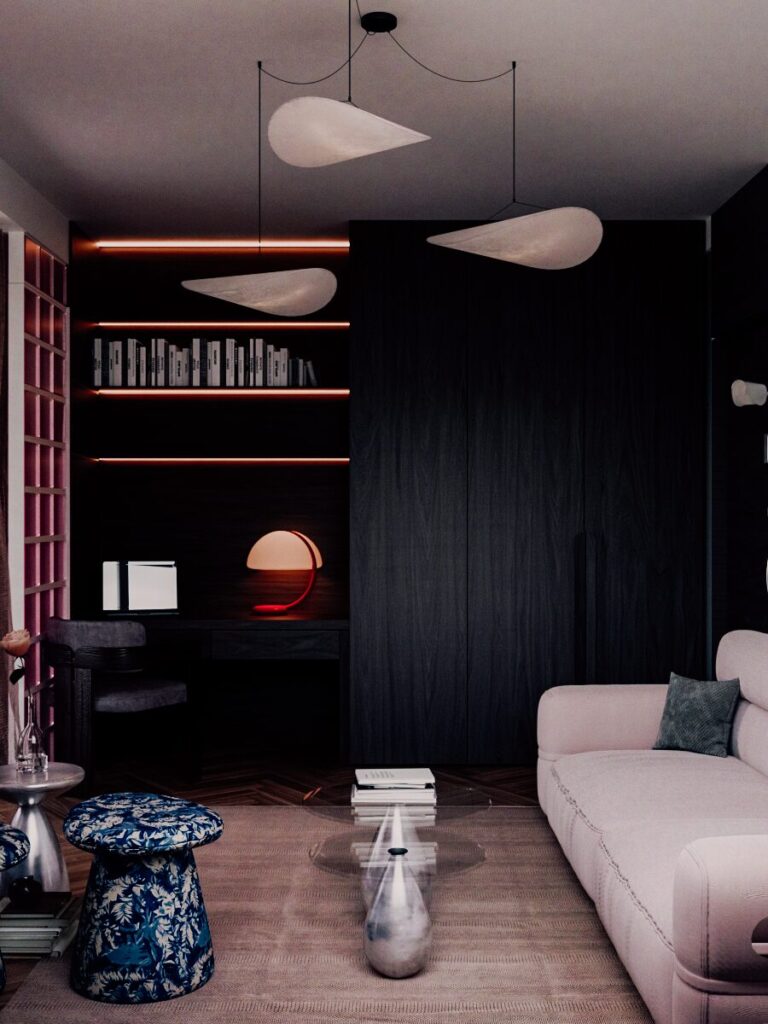
To think clearly for 6-8h, your environment needs to reduce cognitive load, not add to it.
This means prioritizing ergonomics over aesthetics and calmness over curation.
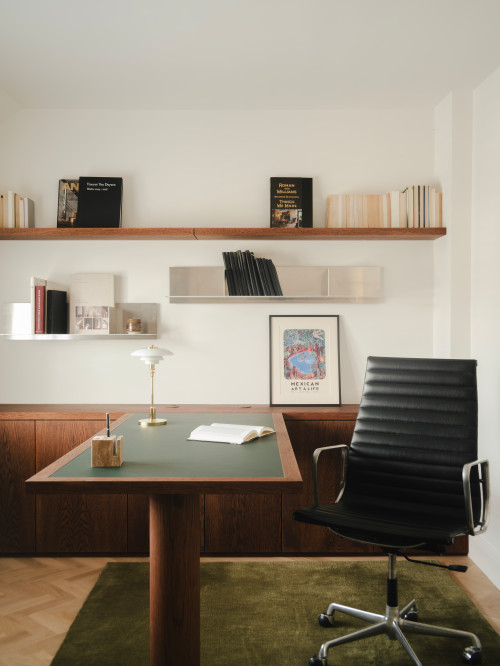
If your brain is constantly filtering out physical discomfort or visual clutter, you have less processing power left for the problem you are trying to solve. The goal is a space where the physical environment disappears so your mind can work without interruption.
Transition between deep work & calls with no friction.
There is nothing that kills a flow state faster than the panic of “getting ready” for a call. If you have to clear piles of paper, adjust blinds to avoid glare, or hunt for headphones five minutes before a meeting, you are creating unnecessary friction.
A well-designed office allows you to transition between deep work & calls with no friction. The setup should be “always on.”
Your camera angle should already be set. Your lighting should work for both drafting documents and video conferencing without adjustment.
You should be able to switch from a complex spreadsheet to a client face-to-face instantly, without breaking your concentration or your composure.
Close the workday (mentally and spatially) when family time starts.
Perhaps the hardest part of working from home is the lack of a commute: that crucial buffer time that tells your brain “work is over.” When your office is in your home, the boundary blurs.
You need a design that helps you close the workday (mentally and spatially) when family time starts.
If your workspace is visible from your relaxation space, your brain remains on standby, constantly reminded of unread emails.
Whether it’s a physical door you can shut, a screen you can pull across, or a “secretary” desk that locks your laptop away, the design must provide a hard stop.
You need a ritual that signals the end of the shift, allowing you to be fully present in your personal life.
Layout & Orientation: Where Your Desk Faces
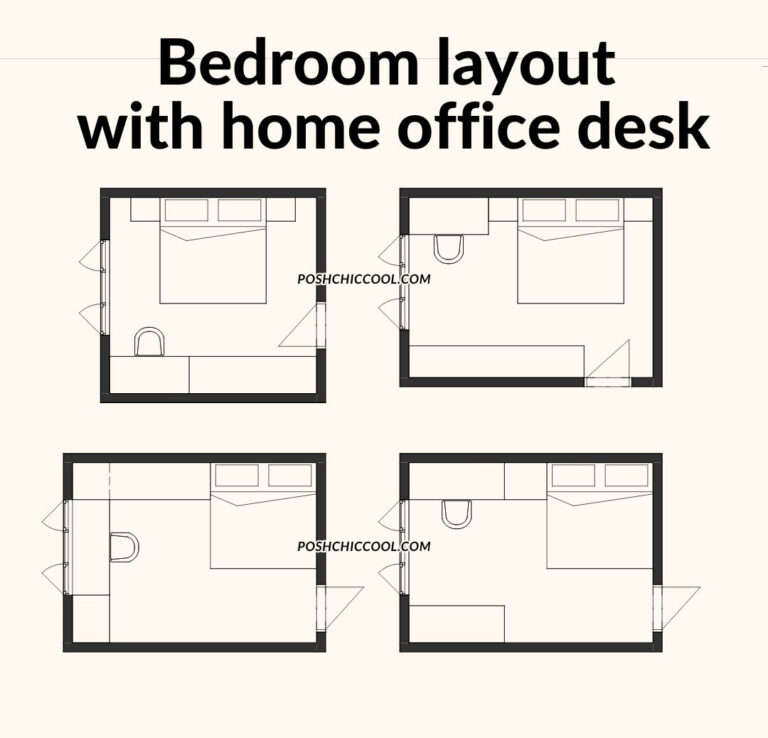
Stop shoving your desk into the corner just because it fits. The position of your chair dictates the quality of your attention. The position of the desk dictates if the place is optimized for focus, ideation, or monitoring.
The Power Position
There is a reason executives rarely sit with their backs to the door. It isn’t just about status; it’s about evolutionary biology.
Why facing the door (monitoring) reduces primal anxiety and allows for better focus compared to staring at a blank wall.
When your back is exposed to the entry point of a room, your brain, on a subconscious, primal level, allocates a small amount of energy to threat detection. You are constantly “listening” for someone coming up behind you. That’s why I absolutely hate my current place at my job, but I digress.
By positioning your desk to face the room (the “command position”), you eliminate that low-level anxiety.
You aren’t staring at a blank wall, which can feel like a punishment or a “time-out”; instead, you are claiming the space, allowing your nervous system to settle into deep work.
The Window Dilemma
We all dream of a desk with a view, but the reality is often less romantic than the Pinterest board.
Facing a window is great for “ideation” (daydreaming/creative thought), and it is, by far, my favorite setup. However, it is terrible for “focus” (distraction), and depending on the layout, facing the window often means having a door at your back, which increases cogniive load, as discussed in previous section.
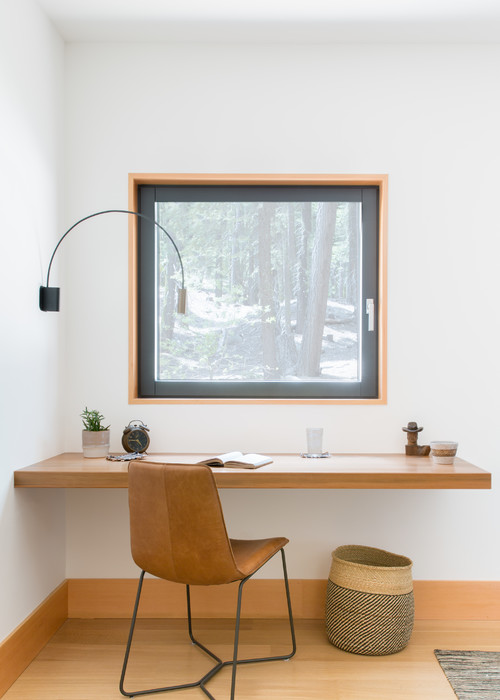
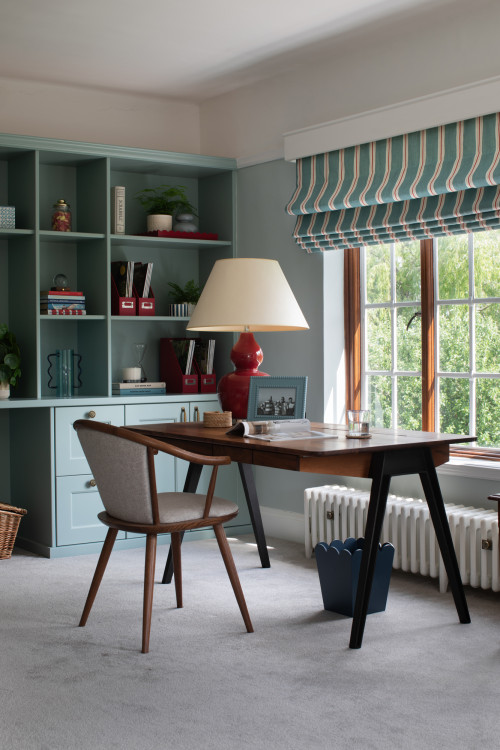
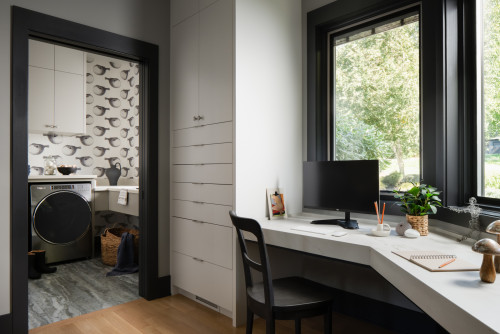
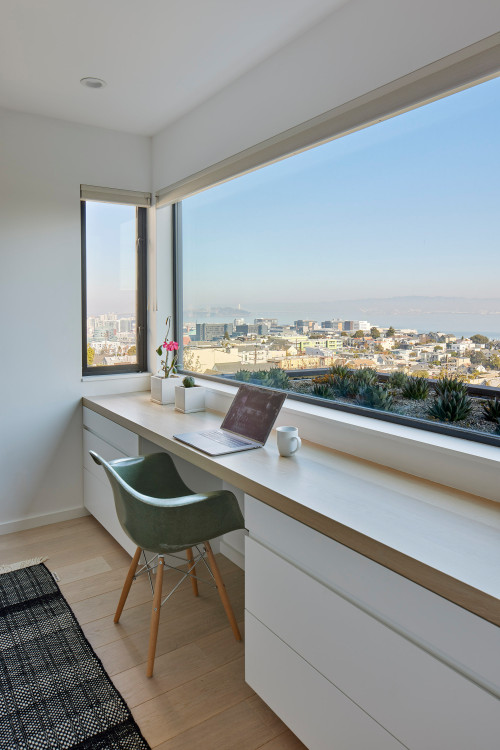
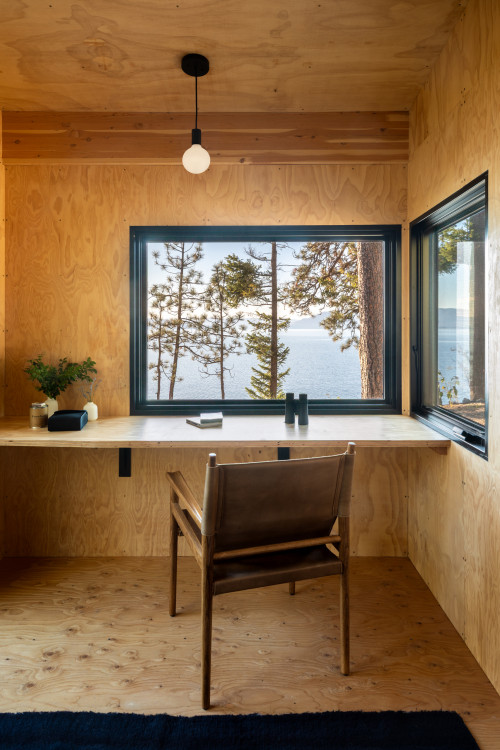
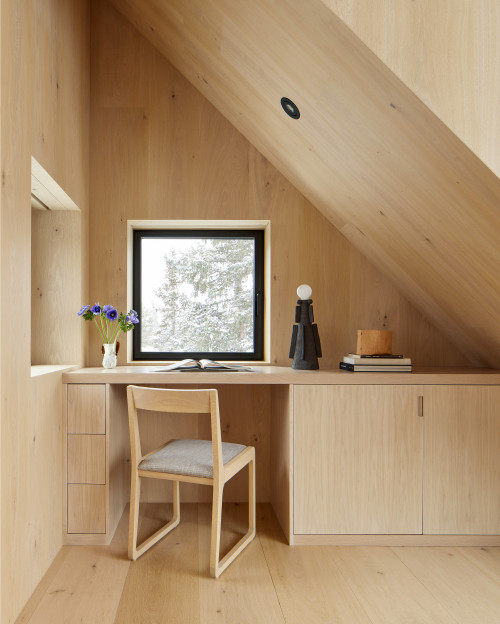
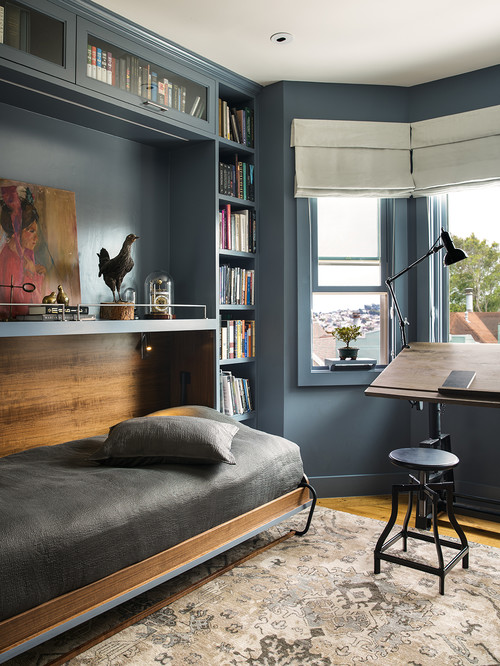
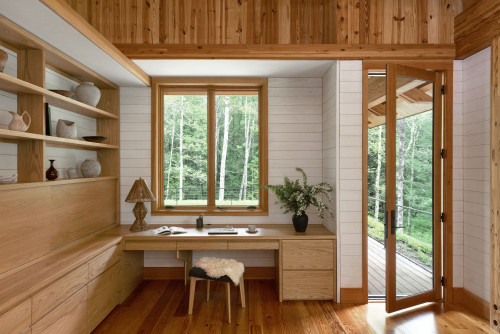
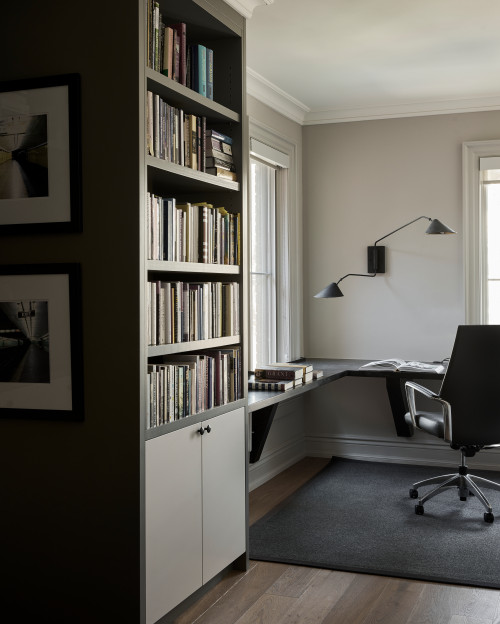
Directly facing a window creates a high-contrast environment that tires the eyes and inevitably leads to gazing outside when you should be writing inside.
The solution? We’ll discuss placing the desk perpendicular to the window for the best of both worlds.
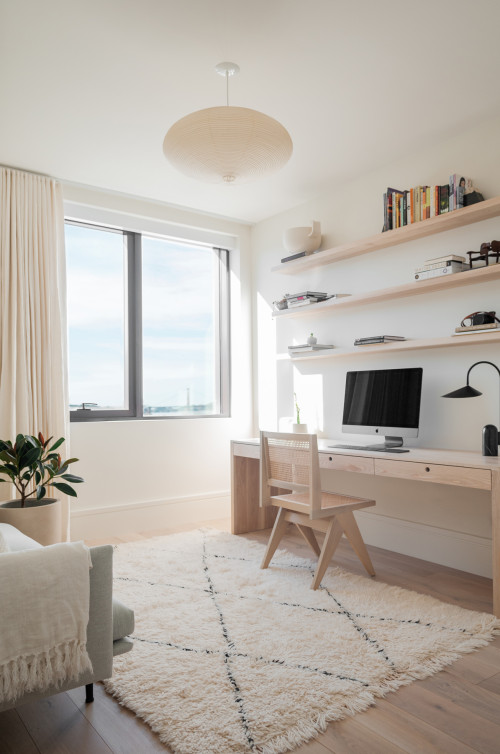
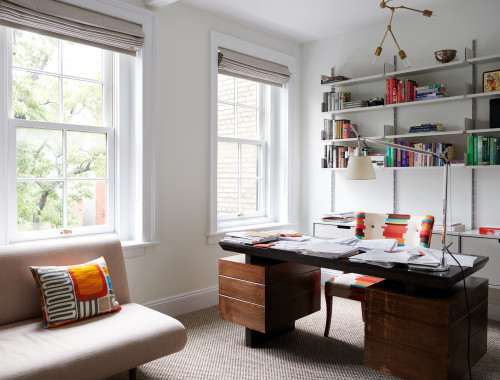
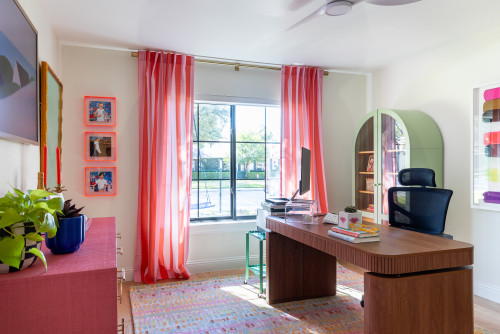
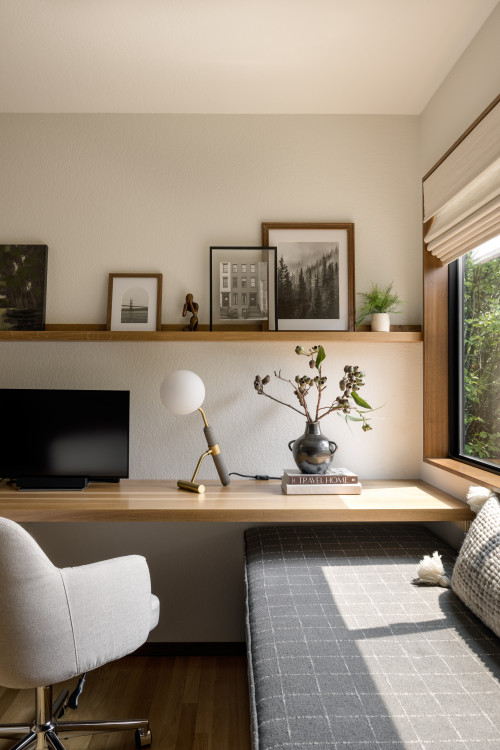
By sitting sideways to the light, you get the view when you turn your head (a deliberate break), but your screen remains glare-free, and the natural light hits your face perfectly for video calls.
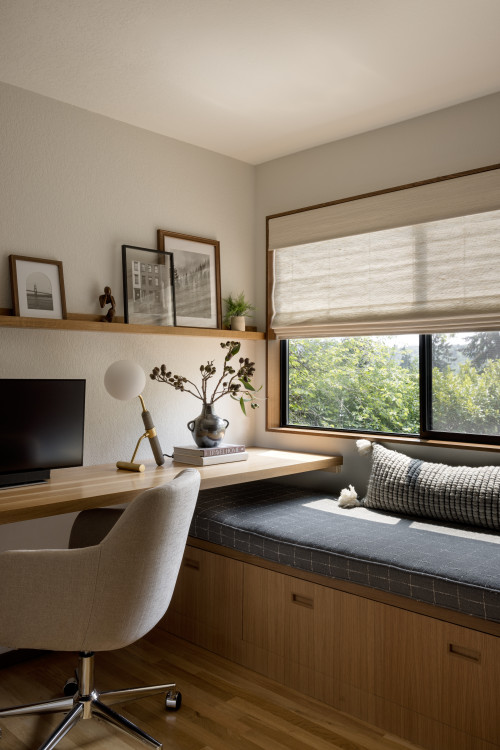
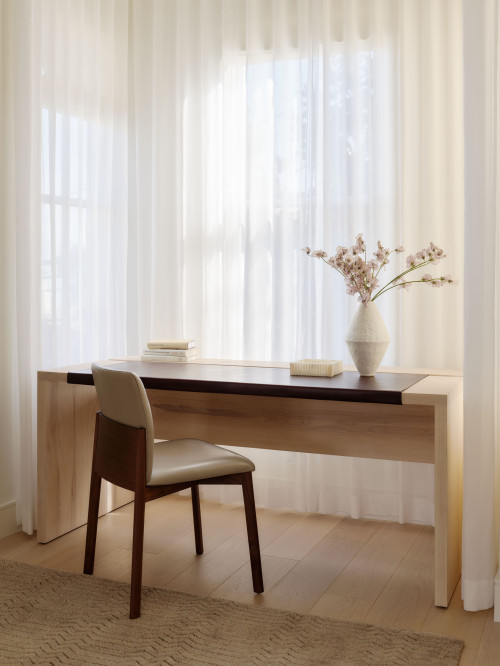
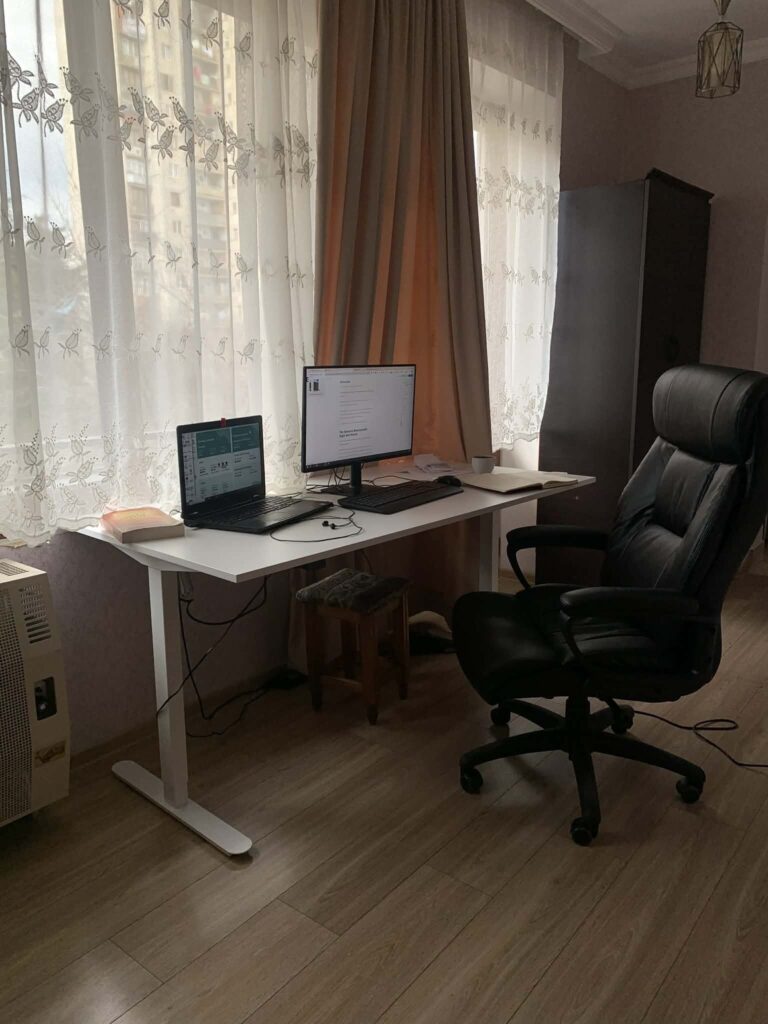
Another solution I’ve found is to use curtains: sheer ones to reduce the intensity of direct light and blinders – if you really need to focus. That is the secup I currently use for my home-office desk.
Room Flow
Finally, consider the volume of space around you.
Ensuring you aren’t cramped in a corner, allowing energy to move around the desk.
Jamming a desk against a wall in the tightest corner of the room is the fastest way to feel trapped by your job.
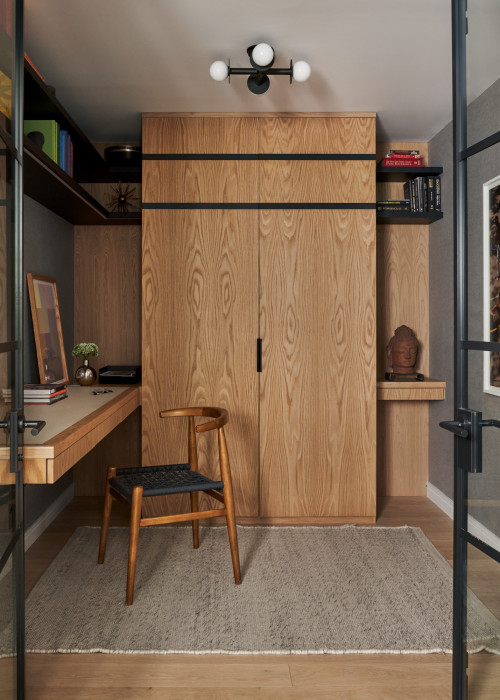
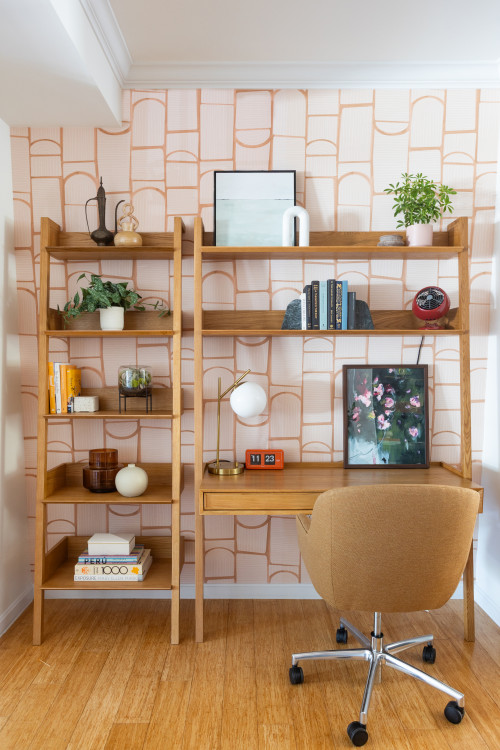
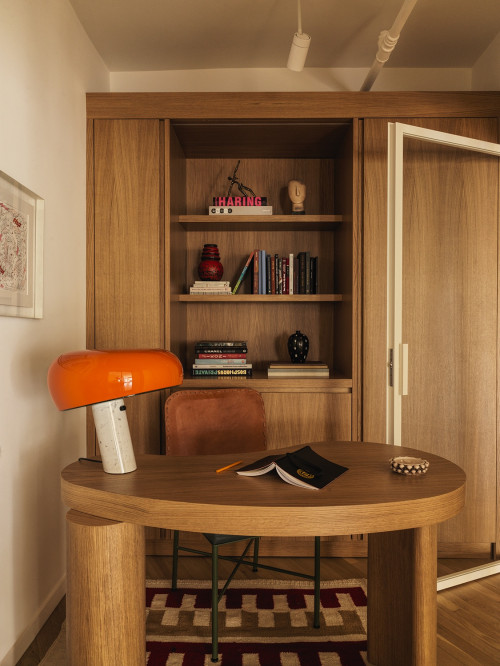
If space allows, “float” your desk in the room. Even a few feet of clearance between your chair and the wall, or the front of the desk and the room, changes the psychological weight of the workspace.
I personally hate built-in closet home office desks. I would hate working from home if I had to spend 8 hours staring at the screen and a wall trapped between closets.
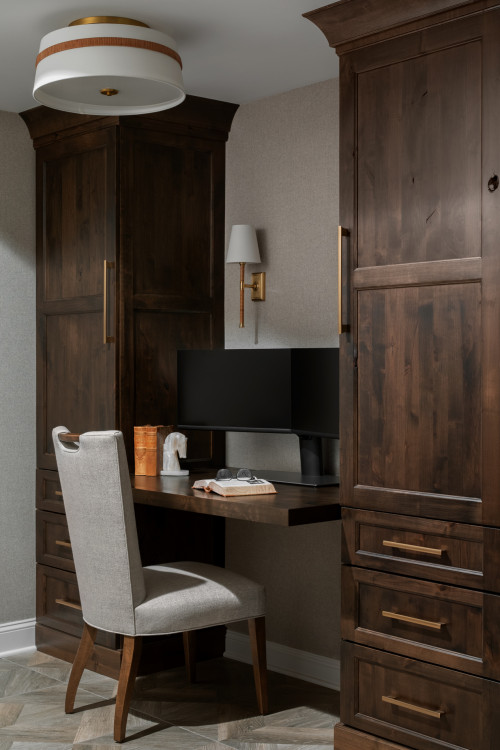
It stops feeling like a cubicle and starts feeling like an office.
The Sensory Environment: Sight and Sound
Cognitive Load
Your brain is always processing what your eyes see, even when you aren’t consciously looking at it. Every pile of papers, every stray cable, and every colorful book spine is a piece of data that your mind has to filter out to stay focused on the task at hand.
What actually matters: what’s in your peripheral vision and affects cognition.
If your desk faces a chaotic room or a busy street, your cognitive load increases significantly.
You are spending valuable mental energy just “ignoring” your environment. To maintain deep focus for 6-8 hours, you need to ruthlessly curate what sits in your eyeline.
Actionable Tip
So, how do we fix this without living in a barren box?
Keep the space in front of you calm. Clutter creates visual noise that tires the brain. Save the chaotic bookshelves or mood boards for behind you or to the side, where they can serve as that “Zoom background” without distracting you.
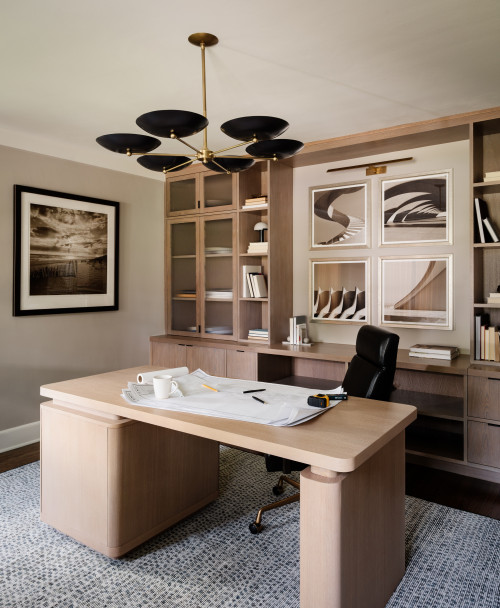
This is the “mullet” of office design: business in the front, party in the back. Place your inspiring (but busy) art, your awards, and your library on the wall behind your chair.
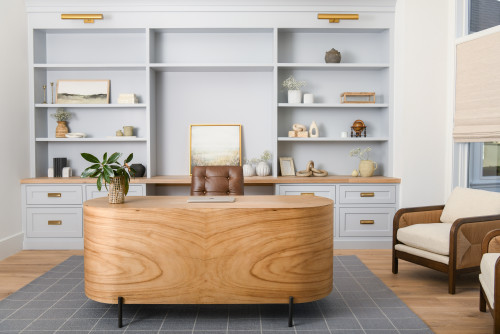
Your colleagues get an interesting background on video calls, but when you look up from your screen to think, you see a calm, negative space that allows your mind to rest.
Acoustics
Visual distractions are easy to spot, but auditory distractions are often more insidious. They break your focus in invisible ways, pulling you out of deep work every time a door slams or a dog barks.
What actually matters: what you hear (acoustic privacy from household).
Most home offices are designed with hard surfaces (wood floors, plaster walls, glass windows) that amplify sound. This creates an echo chamber where every noise from the rest of the house is magnified. You aren’t just battling the noise; you are battling the reverberation of that noise.
Actionable Tip
You don’t need professional soundproofing to fix this.
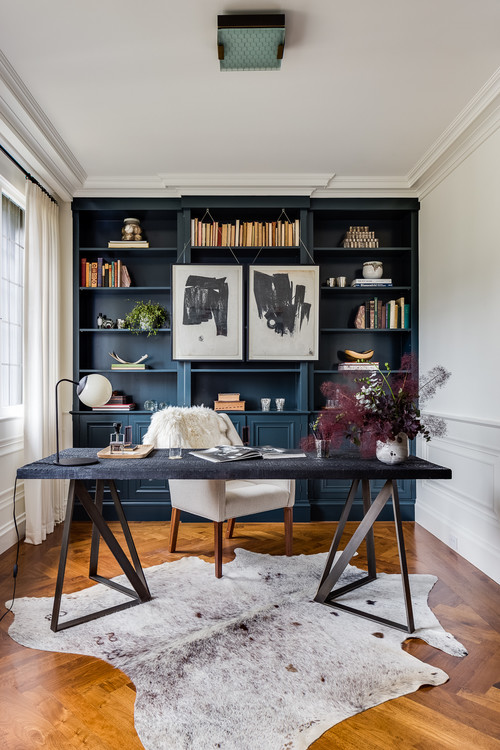
Hard surfaces echo. If you don’t have a dedicated room, use heavy rugs, curtains, and upholstered furniture to dampen sound.
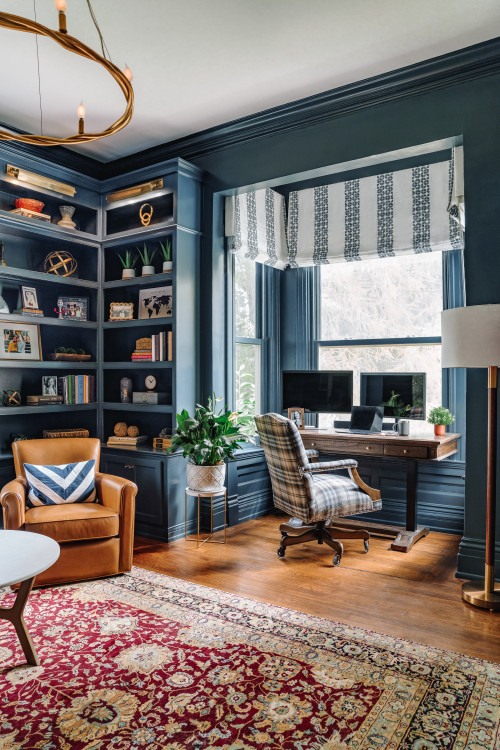
Think of textiles as acoustic absorbers. A thick wool rug, floor-to-ceiling velvet curtains, or even a fabric pinboard behind your monitor can significantly reduce the “bounciness” of sound in the room.
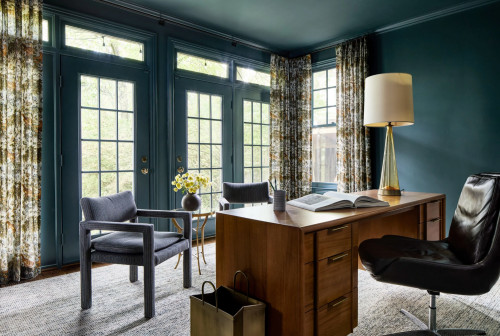
This isn’t just for the microphone; it’s so you don’t hear the dishwasher running while trying to draft a contract. It protects your focus from the household chaos and, conversely, keeps your confidential client calls from echoing down the hallway.
The Aesthetics of “Anti-Office” Design
The Philosophy: The best home offices don’t look like offices at all. They shouldn’t feel like a cubicle transplant.
We need to unlearn the idea that “professional” equals “sterile.”
The best home offices don’t look like offices at all.
When you bring a standard-issue cubicle aesthetic into your home: gray laminate, fluorescent-style lighting, and plastic peripherals. You are inviting the stress of the corporate world into your sanctuary. They shouldn’t feel like a cubicle transplant.
Your home office should feel like a library, a study, or a creative studio. It should be a place where you want to spend time, not a place you are forced to endure.
Texture Over Tech
The quickest way to change the feeling of a room is to change what you touch.
Replace melamine desks and mesh chairs with solid wood, leather, linen, and ambient lighting.
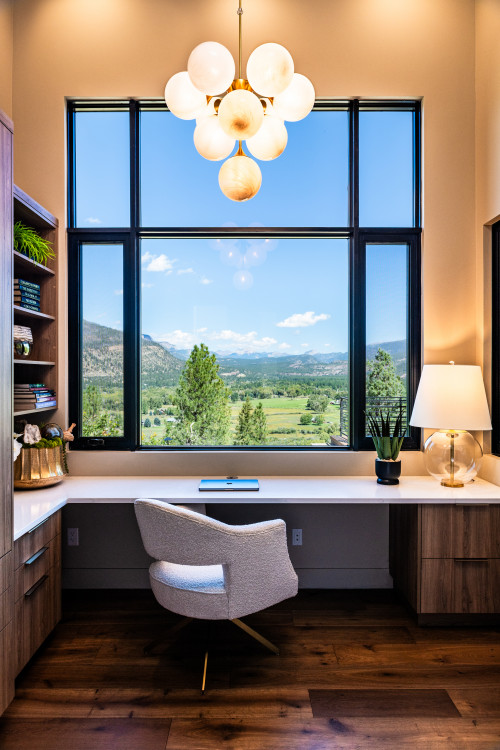
Corporate furniture is designed for durability and mass production, not for tactile pleasure. In your home, you have the luxury of choosing materials that age well and feel good against the skin.
A walnut desk has warmth that a white laminate slab lacks. A leather chair offers comfort without looking like a piece of sci-fi equipment.
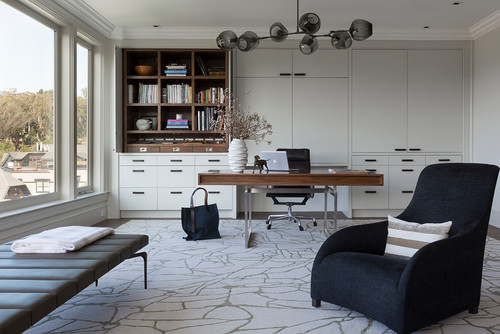
By introducing natural textures like linen curtains or wool rugs, you soften the hard edges of the technology you use, making the tech serve the room rather than dominate it.
Lighting for Eyes, Not Just Lenses
Finally, we need to address the ring light in the room.
While ring lights make you look good on camera, they often cause headaches. Blasting your retinas with a circle of bright, cool-white LEDs is a recipe for eye strain and fatigue.
Instead, focus on layered lighting: task lamps for work, ambient light for mood, and natural light for circadian rhythm regulation.
- Task Lighting: A high-quality desk lamp directed at your papers (not your screen) to reduce strain.
- Ambient Lighting: Soft, warm light from floor lamps or sconces to make the space feel welcoming, especially in the darker winter months.
- Natural Light: Position yourself to soak up daylight during the morning to keep your sleep-wake cycle on track.
You can always turn on a small key light for that 30-minute call, but for the other 8 hours, light the room for your own eyes.
The Ritual of Closing: Leaving Work Without Leaving Home
The most dangerous aspect of a home office isn’t bad ergonomics; it’s the lack of an “off” switch.
Working from home often means living at work.
Without the physical commute to decompress and transition, the boundary between “professional mode” and “personal mode” evaporates. You finish dinner, glance at your laptop sitting on the dining table, and suddenly you are back in the headspace of a stressful project. The stress of the office begins to colonize your living room.
Solution
To reclaim your home, you need to design an exit strategy.
How the space closes (door, screen, ritual signaling “work is done”).
Your brain craves cues. Just as putting on a suit used to signal “work,” your home environment needs to signal “rest.” You need a clear, physical, or sensory ritual that tells your nervous system that the workday has officially ended.
Design Tactics
So, how do you build this into your floor plan?
If you have a door: The act of closing it is a signal. It sounds simple, but it is profound. When you are done for the day, close the door. Do not leave it ajar “just in case.” That physical barrier is a psychological wall that protects your evening peace.
If you don’t have a door: You have to get creative with boundaries.
Use a folding screen to physically block the view of the desk from the sofa.
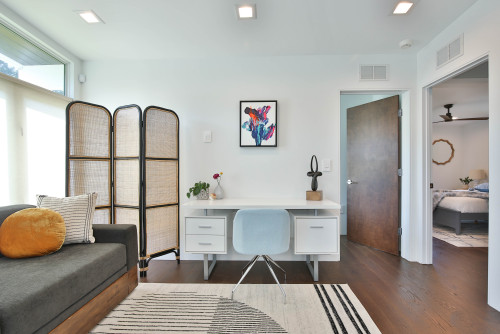
Use a “secretary” style desk that closes up to hide the laptop. If you can’t see the glowing standby light, you are less likely to check email.
Use lighting automation that changes the room from “cool white” (work mode) to “warm dim” (home mode) at 6:00 PM.
Lighting is a powerful trigger; shifting the Kelvin temperature of your bulbs can instantly change the room’s energy from “office” to “lounge.”
Ultimately, the measure of a successful home office isn’t just how productive you are while you are in it. It is how successfully you can forget about it when you walk away.
Letting you leave that mental space without leaving your home.
Conclusion
Designing a home office is about supporting how your brain actually works. It is a space for thinking that occasionally appears on camera. Not the other way around.
When you design for the 8 hours of thinking, the 30 minutes of video calling usually take care of themselves naturally.
FAQ
Based on the principles laid out in the blog post, the ideal home office is not a “staged” backdrop for video calls, but a high-performance cockpit designed for cognitive endurance.
Here is the profile of the ideal setup:
1. The Layout: The “Power Position”
Desk Placement: The desk is floating in the room, not shoved into a corner.
Orientation: You are facing the door (to reduce primal anxiety/threat detection) but sitting perpendicular to the window.
Why? This gives you natural light without glare on your screen or silhouetting you on camera. It avoids the distraction of staring directly outside while trying to focus.
2. The Visual Field: The “Mullet” Approach
In Front of You (Your View): The wall or space you stare at for 8 hours is calm and minimalist. There is low visual noise to reduce cognitive load.
Behind You ( The Camera’s View): The “chaos” (bookshelves, art, awards, mood boards) is located behind your back.
Why? It serves as an interesting professional backdrop for the 30 minutes you are on Zoom, but doesn’t distract you during the 8 hours of deep work.
3. The Sensory Environment: Soft & Controlled
Acoustics: The room does not echo. It is filled with absorptive materials—heavy wool rugs, floor-to-ceiling linen curtains, or upholstered furniture.
Why? To dampen household noise (privacy) and improve audio quality without needing ugly foam panels.
Lighting: There is no ring light blasting your face. Instead, the room relies on layered lighting: a high-quality task lamp for paperwork, ambient floor lamps for mood, and natural light for circadian rhythm.
4. The Aesthetics: “Anti-Office”
Materials: There is no melamine, plastic, or “corporate gray.” The desk is solid wood; the chair is likely leather or fabric (supportive but residential).
Vibe: It feels like a library, a study, or a creative studio—a space you want to be in, rather than a cubicle transplant.
5. The “Off Switch”
The Ritual: The setup has a physical way to signal “done.”
Ideally, a door you can close.
If not, a folding screen to hide the desk, a secretary desk that locks the laptop away, or smart lighting that shifts from cool-white (work) to warm-dim (home) at 6:00 PM.
The ideal position is perpendicular to the window (the window should be on your side).
Here is the breakdown of why the other two options fail, according to the “Designer’s Guide”:
Facing the Window:
The Pro: Good for “ideation” and daydreaming.
The Con: Terrible for focus (high distraction), bad for eyes (high contrast causes strain), and disastrous for video calls (you become a dark silhouette against a bright light).
Facing Away from the Window (Back to Window):
The Pro: You face the room (Command Position).
The Con: Glare. The light hits your monitor directly, creating reflections that make it hard to read. On video calls, your face is well-lit, but the glare on your screen will likely make you squint.
The Solution: Perpendicular (Sideways)
Why it wins:
Video: The light hits your face from the side (modeling light), which is flattering and professional.
Focus: You aren’t staring at squirrels; you are looking at your work.
Eyes: You get the benefits of natural light without the contrast or glare.
Mental Break: You can still turn your head to look outside for a break, but it’s a deliberate choice, not a constant distraction.
Based on the “Designer’s Guide” philosophy we’ve built, here are the most common mistakes people make- especially in small home offices – and why they fail.
1. The “Wall-Facer” Layout
The Mistake: Shoving the desk directly against a blank wall or into a corner to “save space.” Why it fails: This creates the “time-out” effect. You spend 8 hours staring at plaster 20 inches from your nose. It feels claustrophobic and increases low-level anxiety because your back is to the room’s entry (violating the “Power Position” principle). The Fix: Even in a small room, pull the desk out just 2-3 feet. “Floating” the desk, or turning it perpendicular to the wall, allows energy to flow around you and lets you command the space.
2. The “Zoom Stage” Trap
The Mistake: Decorating the wall you look at (behind the monitor) with busy shelves, art, and inspiration boards. Why it fails: You are creating your own distraction. Every object in your eyeline adds to your cognitive load. In a small office, visual clutter feels twice as chaotic. The Fix: Keep the wall you see calm and minimalist (negative space). Put the “personality” and clutter on the wall behind you (for the camera/Zoom background).
3. The “Mini-Cubicle” Aesthetic
The Mistake: Buying “scaled-down” corporate furniture—cheap melamine desks and bulky black mesh chairs—thinking they fit the function. Why it fails: In a small room, corporate furniture looks massive and alien. It makes your home feel like a call center. The Fix: Use “anti-office” furniture. A Parsons table, a writing desk with legs (open space underneath), or a chair with fabric/leather upholstery makes the room feel larger and more integrated with your home.
4. Ignoring the “Echo Box” Effect
The Mistake: Leaving a small, boxy room with hard floors and bare walls. Why it fails: Small, square rooms are notorious for standing waves and flutter echoes. You sound hollow on calls, and household noise bounces around, making it hard to focus. The Fix: You don’t need foam panels. Add a thick rug, heavy curtains, or a canvas art print with acoustic backing. Soft materials “drink” the noise.
5. The “Permanent” Setup
The Mistake: Creating a setup that cannot be “closed.” Why it fails: In a small space (or a multi-use guest room), if you can see your work, you are at work. The stress bleeds into your downtime. The Fix: If you can’t close a door, use the “Secretary” tactic—a desk that physically closes to hide the laptop—or a lighting change (cool to warm) that signals the room’s function has changed from “office” to “lounge.”